 Bridge
Fees collected on time, and every rupee accounted for.
Set up fee structures once and invoice the whole school. Record every payment with a receipt, close the day, and see who still owes what.
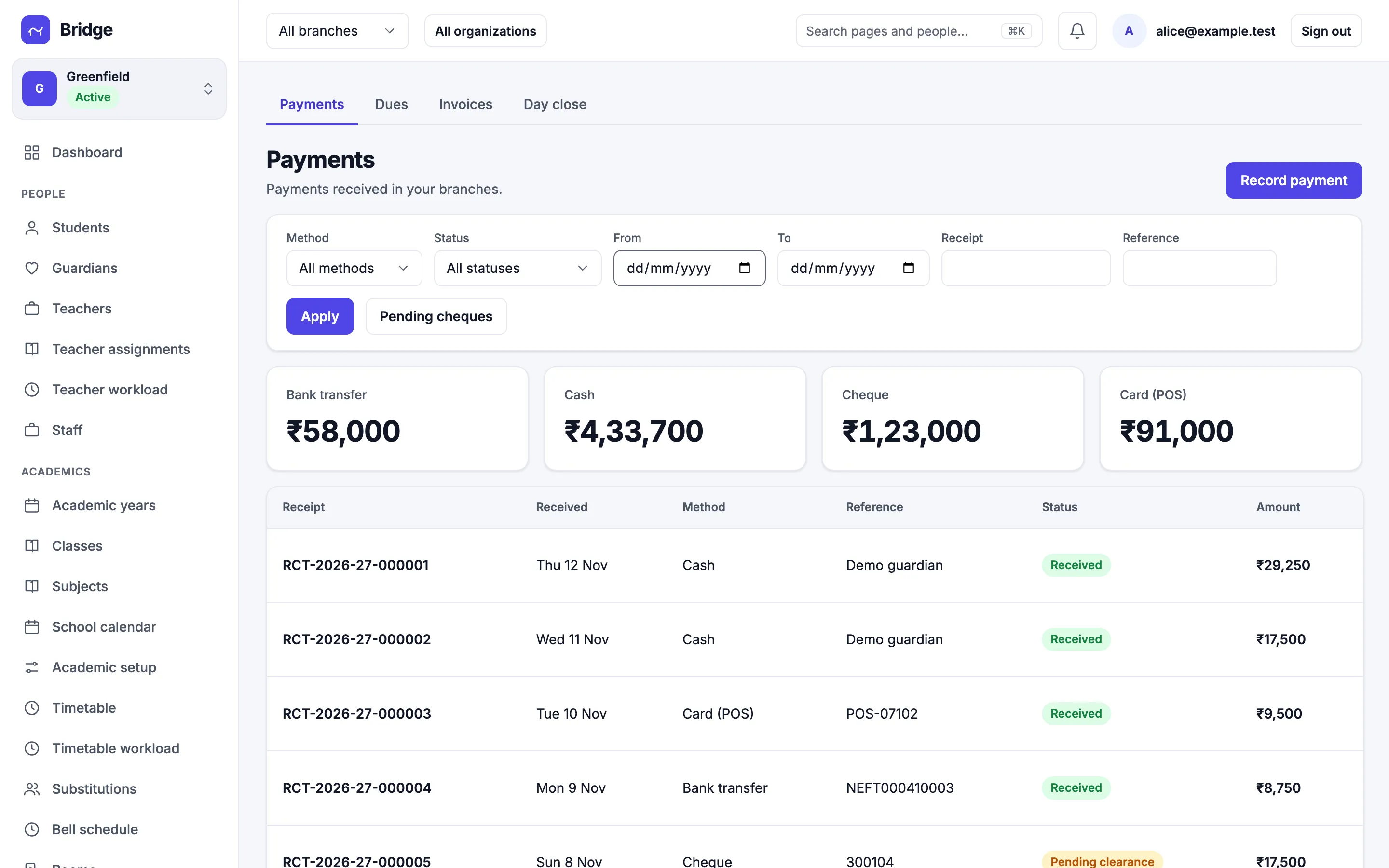
Invoices for the whole school in one run.
Fee structures by class, with categories, instalments, discounts and late fees. Generate the term’s invoices in one go and review them before they are issued.
- Fee structures per class and year
- Discounts with approval, late fee policies
- Draft, issued, overdue and void invoices
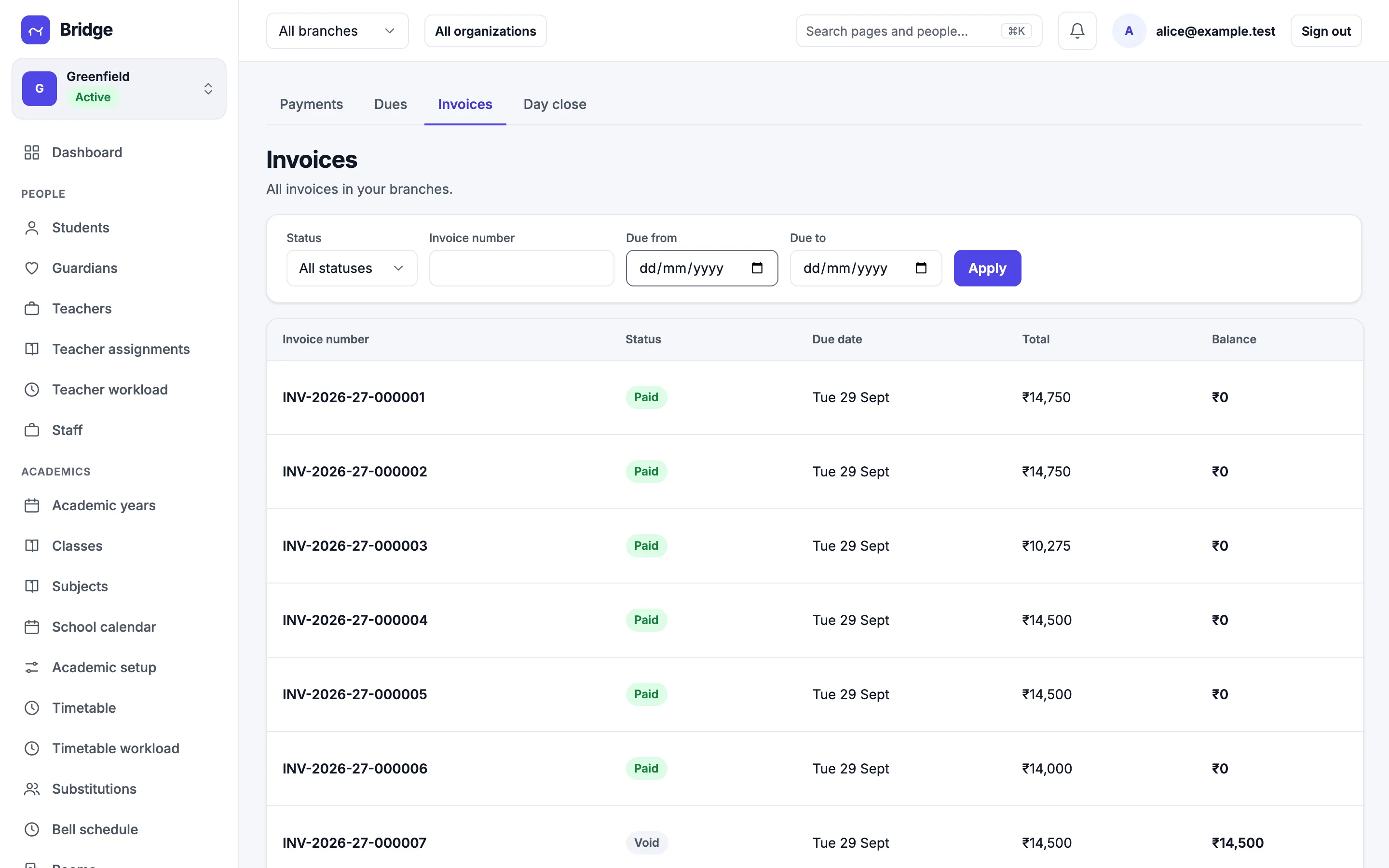
Cash, card, cheque or bank transfer.
Record a payment against a student’s invoices and print a numbered receipt. Cheques stay pending until they clear, and a bounced cheque reopens the balance.
- Numbered receipts for every payment
- Partial payments and refunds
- Day close that matches the cash drawer
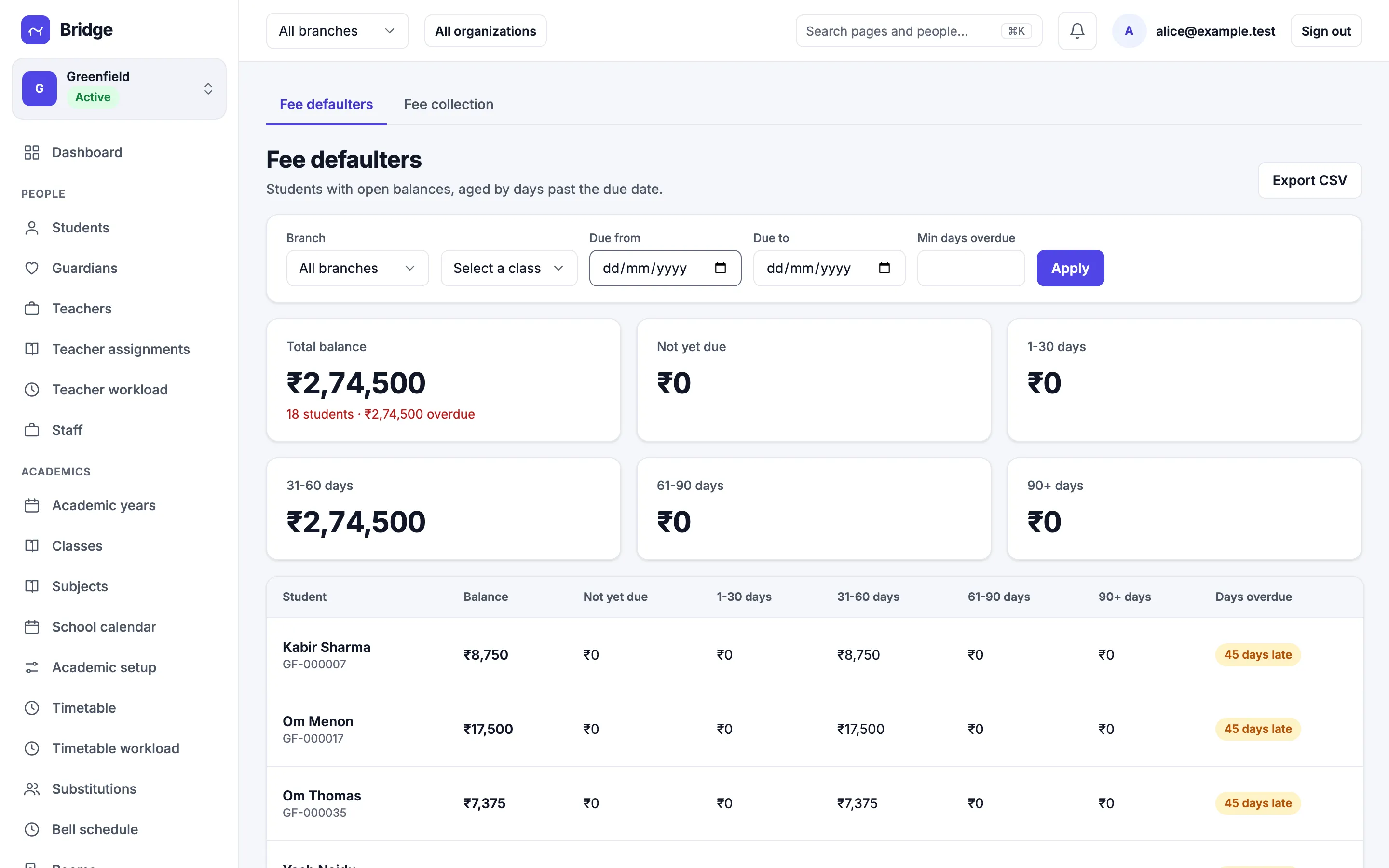
Know who owes what, and for how long.
The defaulters report ages each open balance by days past the due date, by branch and class, ready to export or send reminders.
- Balances aged 1–30, 31–60, 61–90 and 90+ days
- Filter by branch, class and due date
- Export to CSV
Parents pay from the app.
Turn on online payments and parents can pay an invoice from their phone. Payments settle straight to the school’s account or through Bridge, and failed attempts and reconciliation have their own screens.
- Pay from the parent app
- Direct or platform settlement
- Reconciliation and failed attempts