 Bridge
Every notice reaches the right families, and you can see it did.
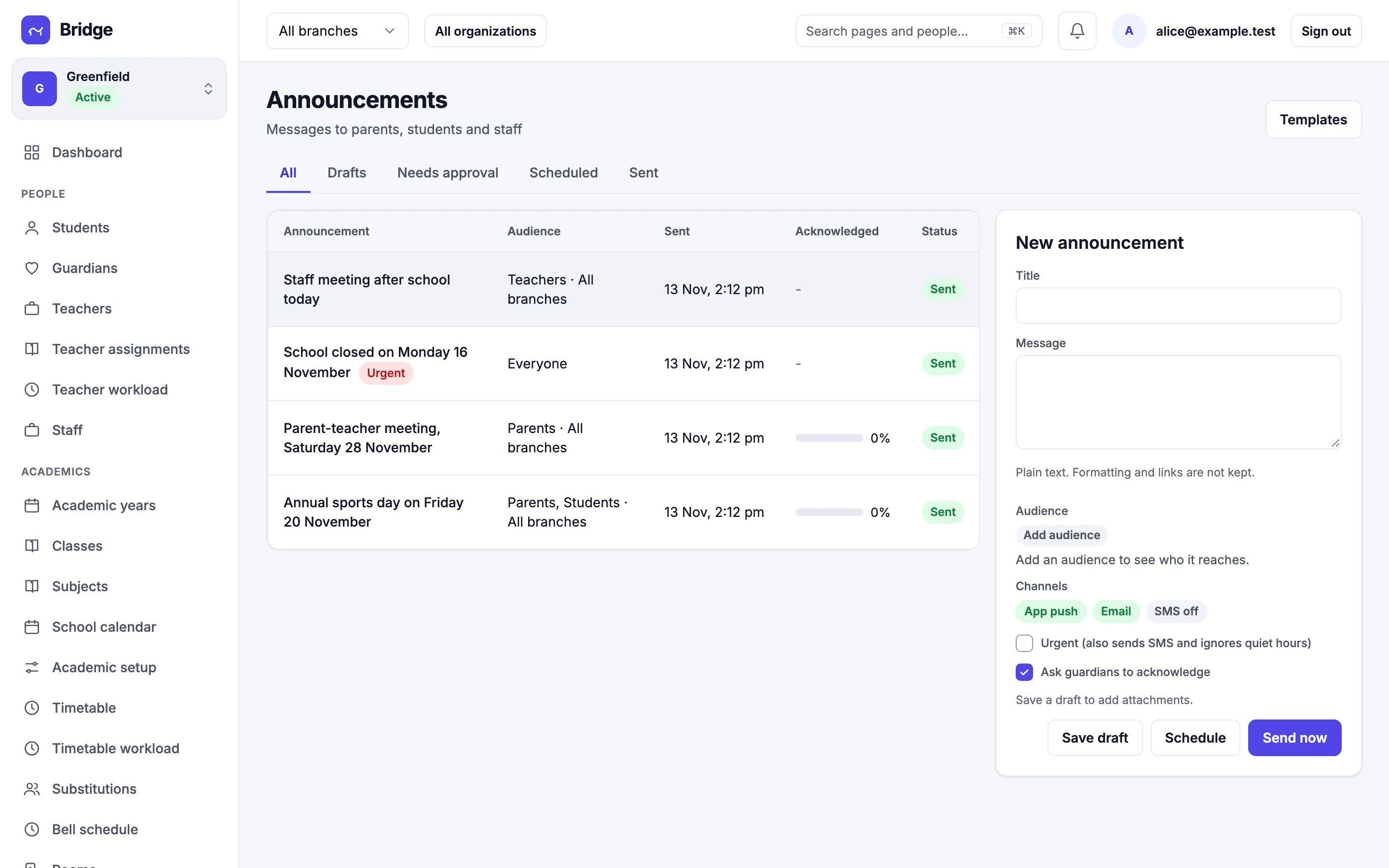
Write once, pick the audience, and send by app push and email. Ask parents to acknowledge and watch the count go up.
Audience
A class, a branch or everyone.
Pick parents, students, teachers or staff, then narrow to a branch, class or section. A preview shows how many people it will reach before you send.
- Target by role, branch, class and section
- Preview the recipient count
- Teachers can post to their own sections
For parents
Notices arrive in the app, not the diary.
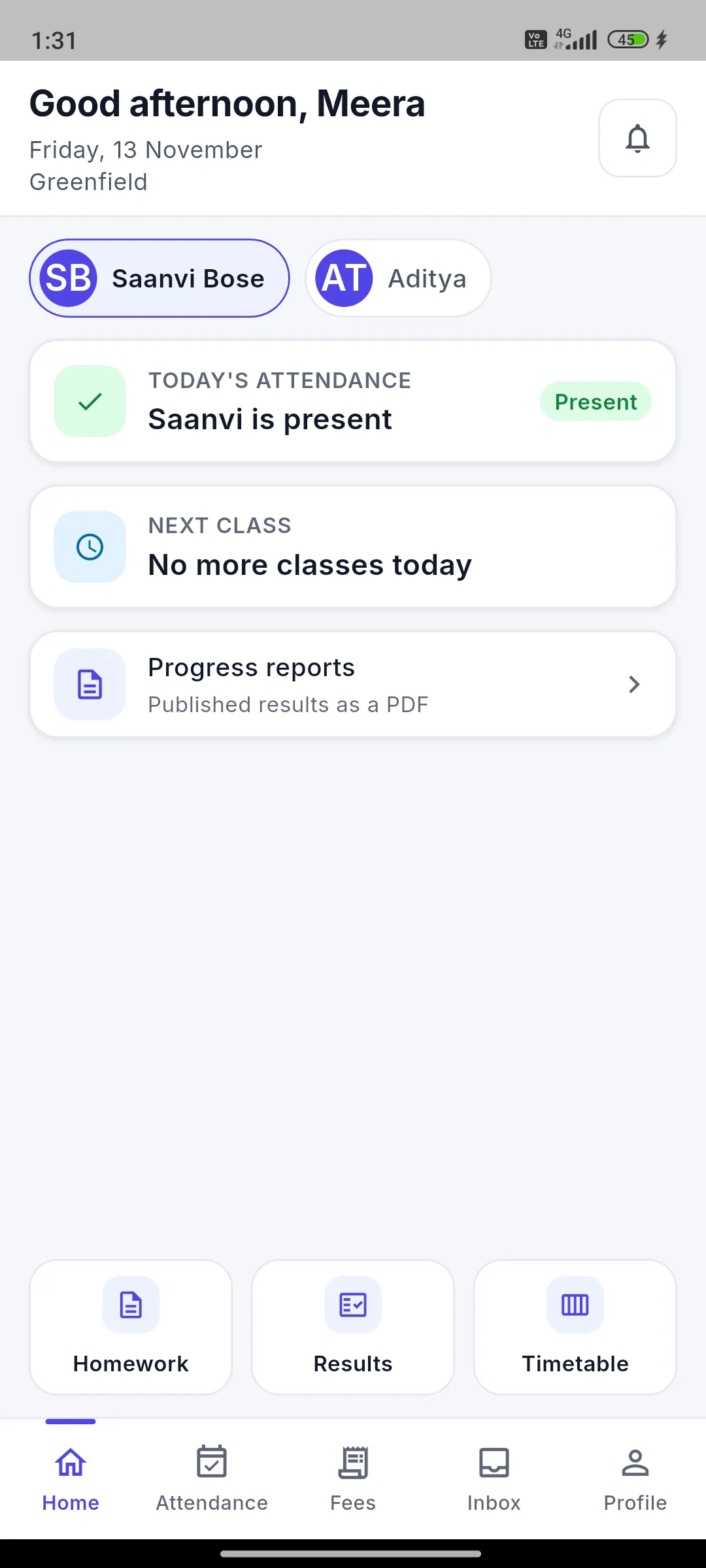
Parents get a push notification and see the notice in their inbox. Urgent notices also go by SMS and ignore quiet hours.
- Push, email and SMS for urgent
- An inbox per parent
- Tap to acknowledge
Control
Approval, scheduling and templates.
Require approval before a notice goes out, schedule it for later, and reuse templates for the notices you send every term.
- Approval before publishing
- Schedule for a date and time
- Templates and a notification log