 Bridge
Attendance that is done before the first period ends.
Teachers mark the register on their phone. The office sees the whole school by mid-morning. Parents hear about an absence the same day.
For teachers
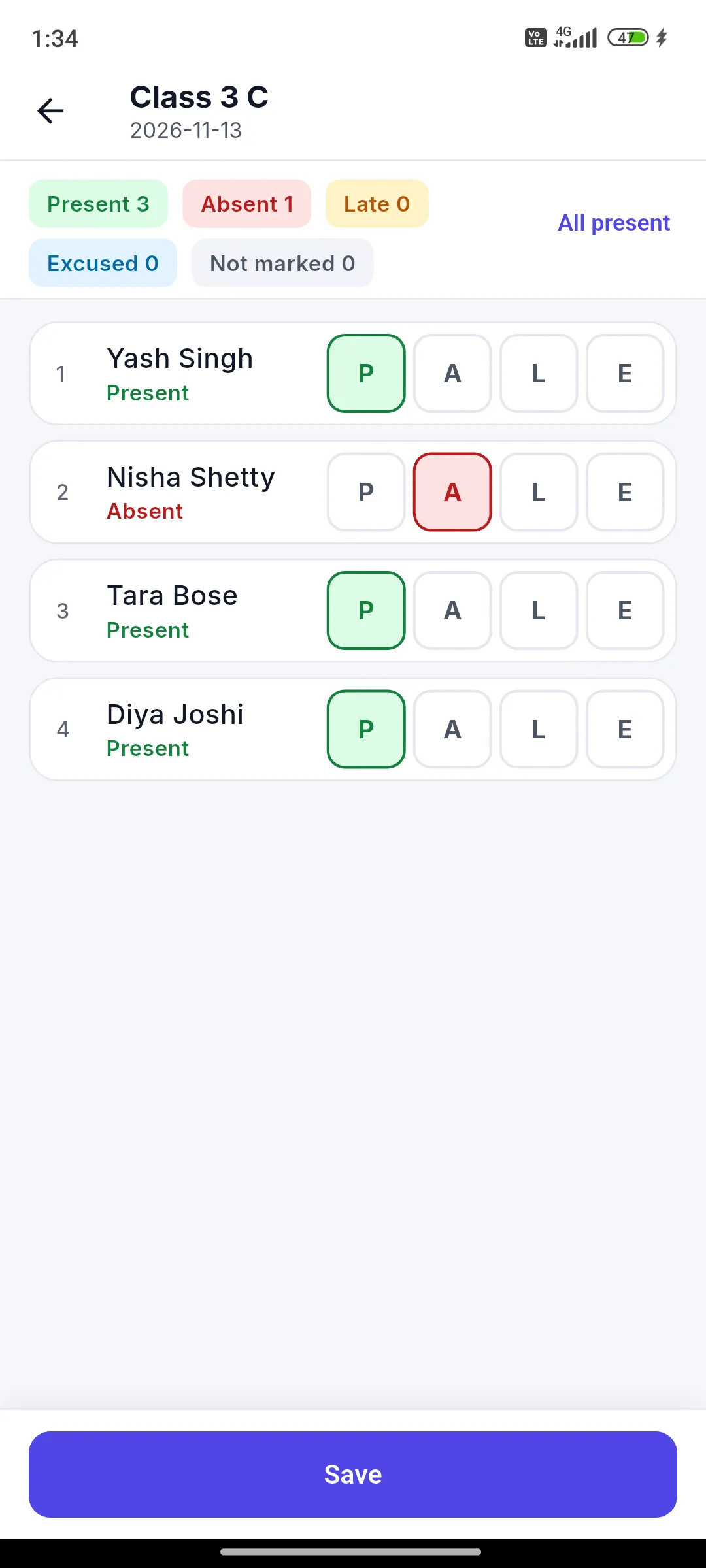
Mark a register in under a minute, even offline.
Tap present, absent, late or excused for each student and save. With no network, the register waits on the phone and syncs later.
- One tap for present, absent, late or excused
- Offline queue with a clear sync status
- A warning if someone else changed the same register
For the office
See the whole school by mid-morning.
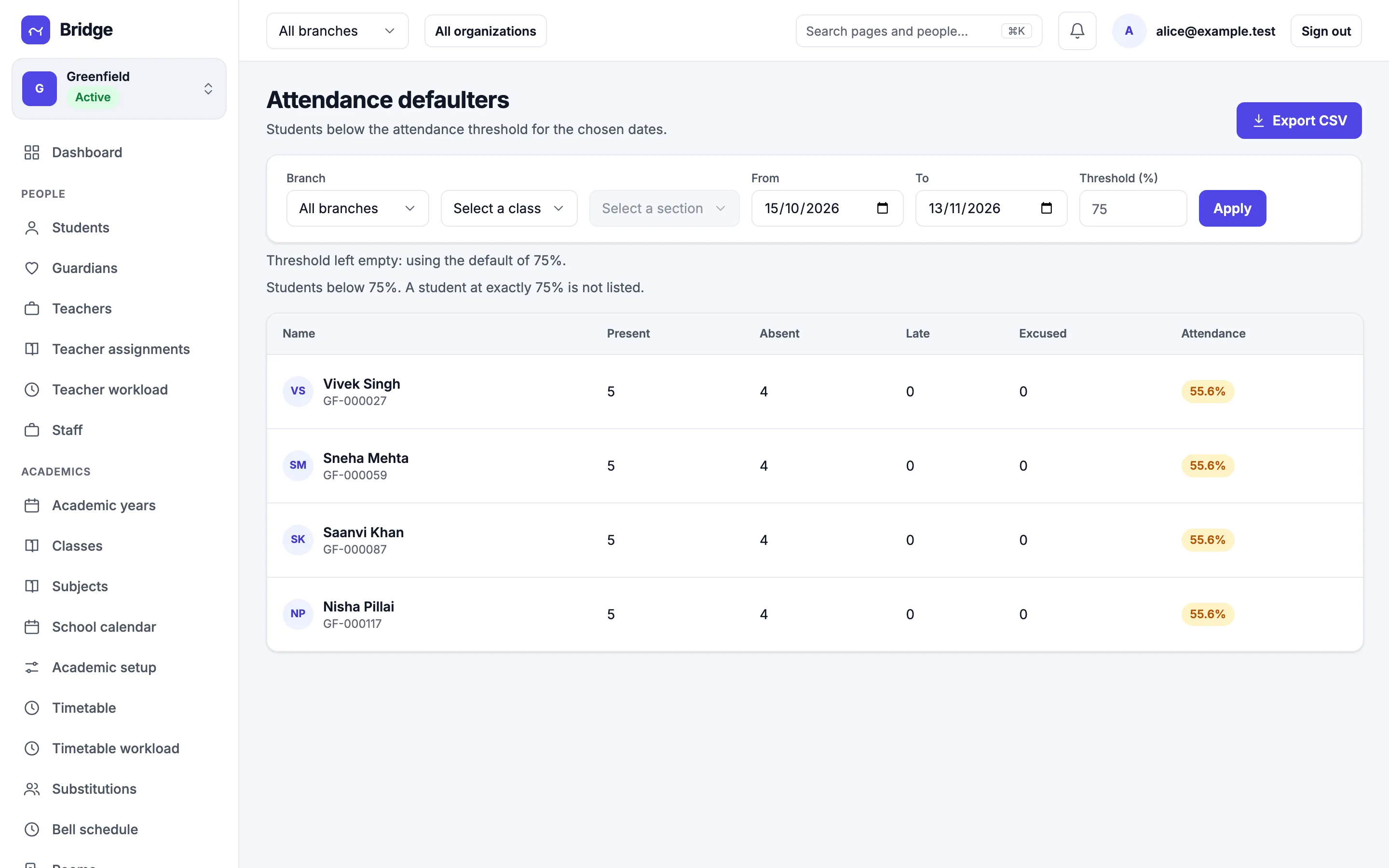
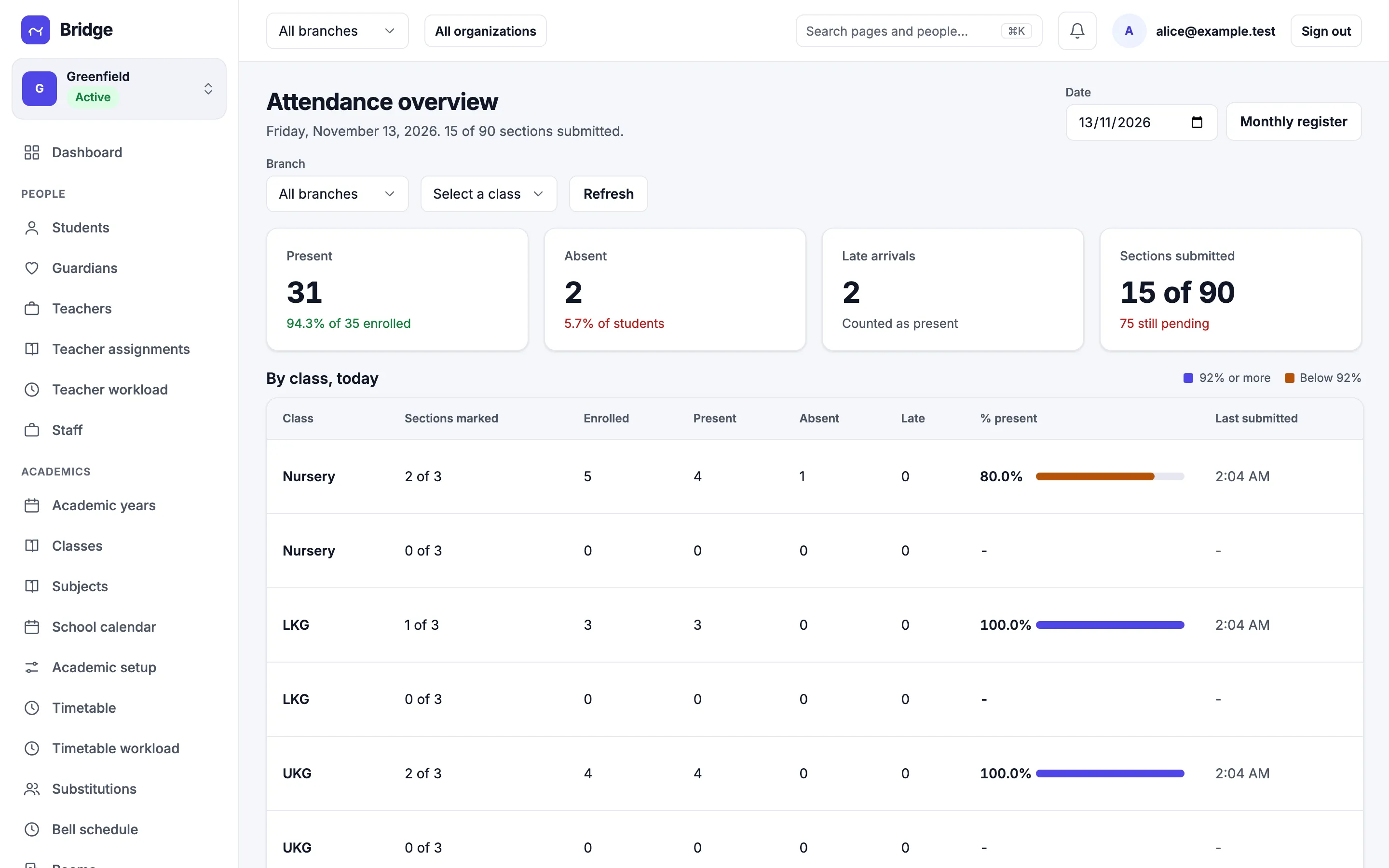
A daily overview shows which sections have marked, which are pending and who is absent today, for every branch.
- Daily overview by class and section
- Monthly register ready to download
- Defaulters list below your cut-off
For parents
An absence reaches home the same morning.
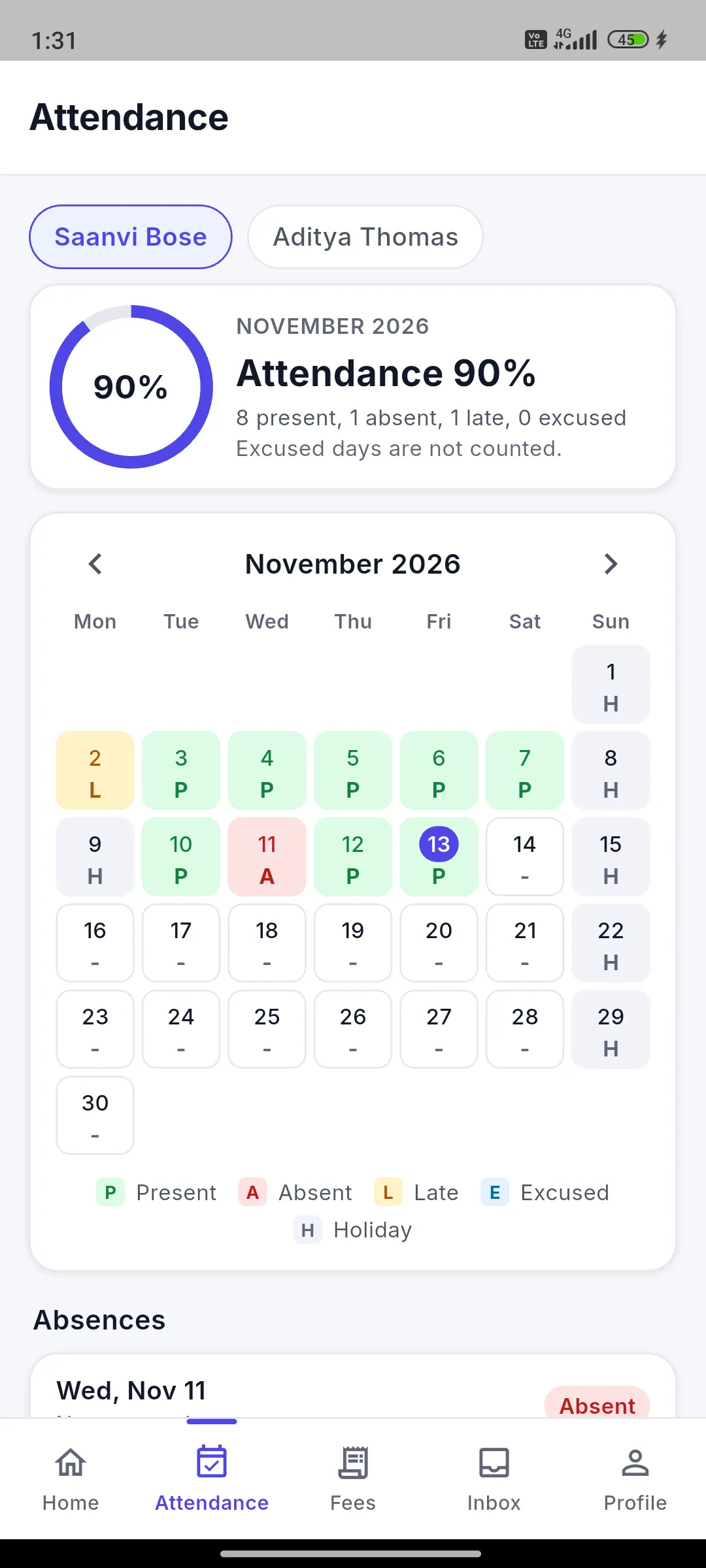
Parents get a push notification and an email when their child is marked absent or late, and can see the month at a glance in the app.
- Push and email, per child
- Month view with present, absent and late days
- Quiet hours and language chosen by the parent
Corrections
Mistakes get fixed, with a record.
A teacher can correct a register inside the edit window your school sets. After that, a correction needs the office. Every revision keeps who changed it and when.
- Edit window per branch
- Full revision history
- Audit log entry for every correction